6 Best Invoice Processing Automation Software for Accounting Teams
Manual invoice entry burns hours your accounting team will never get back. Missed approvals, duplicate payments, and lost vendor emails pile up while month-end close keeps slipping. That is usually the moment teams start comparing automation tools.
This article breaks down what accounting teams should demand from invoice processing software, from key features to pricing and integration fit. Then it ranks the six best options, explains why Tasks.Bot takes the top spot, and gives you a clear framework for choosing the right one.
What to Look For in Invoice Processing Automation Software
Selecting the right invoice processing automation software requires a clear understanding of the specific pain points that accounting teams face daily, from manual data entry errors to delayed approvals. Most accounts payable departments still handle a large share of supplier invoices by hand, and that manual work creates a predictable set of problems.
Common trouble spots include slow approval cycles, where invoices sit in inboxes waiting for a manager's sign-off. Errors creep in when staff re-key invoice data into an ERP, and duplicate payments slip through when no system checks for them. Visibility suffers too, since nobody can easily answer the question of which invoices are pending and why.
AP automation addresses all of these issues, but only when the software meets certain criteria. A tool that captures invoices poorly or integrates with nothing will simply move the bottleneck rather than remove it. Accounting teams should therefore evaluate vendors against two broad areas before making a decision.
The first is key features: the capabilities that determine how much manual effort the system actually removes. The second is pricing and integration, which shape the total cost of ownership and how well the software fits into existing financial systems. The sections below break down what to check in each area.
Key Features for Accounting Teams
When evaluating invoice processing automation software, accounting teams should prioritize features that directly reduce manual effort and improve accuracy, such as optical character recognition (OCR) and intelligent document processing (IDP). These two technologies sit at the front of the workflow, turning a vendor invoice into usable data.
OCR converts scanned or photographed invoices into machine-readable text. IDP goes further, using artificial intelligence to handle unstructured formats like emailed PDFs with inconsistent layouts. Together they cut the data entry burden that consumes so much AP staff time.
Machine learning then improves data extraction and validation over time. The system learns how a given supplier formats its invoices and where key fields such as invoice number, amount, and due date typically appear. Research suggests this reduces both keystrokes and the correction work that follows.
Automated matching is another must-have. Two-way matching compares the vendor invoice against the purchase order, while three-way matching also checks the goods receipt. Mismatches are flagged for exception handling instead of being paid blindly.
- Duplicate invoice detection catches the same supplier invoice submitted twice, a frequent source of overpayment.
- Fraud detection watches for unusual vendors, altered bank details, or suspicious amounts.
- Audit trail records who touched an invoice, when, and what changed, which supports internal and external reviews.
- Compliance capabilities help teams meet tax, retention, and regulatory requirements across jurisdictions.
An invoice approval workflow with configurable routing ties these pieces together, sending each invoice to the right approver based on amount, department, or vendor. The payoff is faster automated approvals and fewer items lost in the shuffle.
Pricing and Integration Considerations
Beyond features, accounting teams must weigh pricing models and integration capabilities, as these factors determine the total cost of ownership and how well the software fits into existing financial systems. A tool with a low sticker price can still become expensive once usage grows or add-ons are required.
Common pricing structures include per user, per invoice, and tiered plans that bundle features by volume. Per-user pricing suits small teams with steady invoice counts, while per-invoice pricing scales with actual workload. Tiered models often gate advanced capabilities behind higher plans.
Transparent pricing matters. Ask vendors to confirm what counts as a billable invoice, whether there are minimum commitments, and what happens when volume exceeds the plan. Potential hidden costs include setup or implementation fees, charges for additional integrations, and support tiers that carry a premium.
Integration is the other half of the decision. The software should connect cleanly with ERP systems such as QuickBooks or SAP, plus expense management tools and other cloud-based software. Seamless integration reduces manual data transfer and the errors that come with it, since invoice data flows straight into the ledger.
When assessing vendors, ask how their integration support works and whether they offer prebuilt connectors or require custom development. Scalability deserves equal attention: a platform that handles a few hundred invoices a month may struggle at ten times that volume. Checking references from teams of similar size gives a clearer picture than a feature list alone.
1. Tasks.Bot - Best Overall
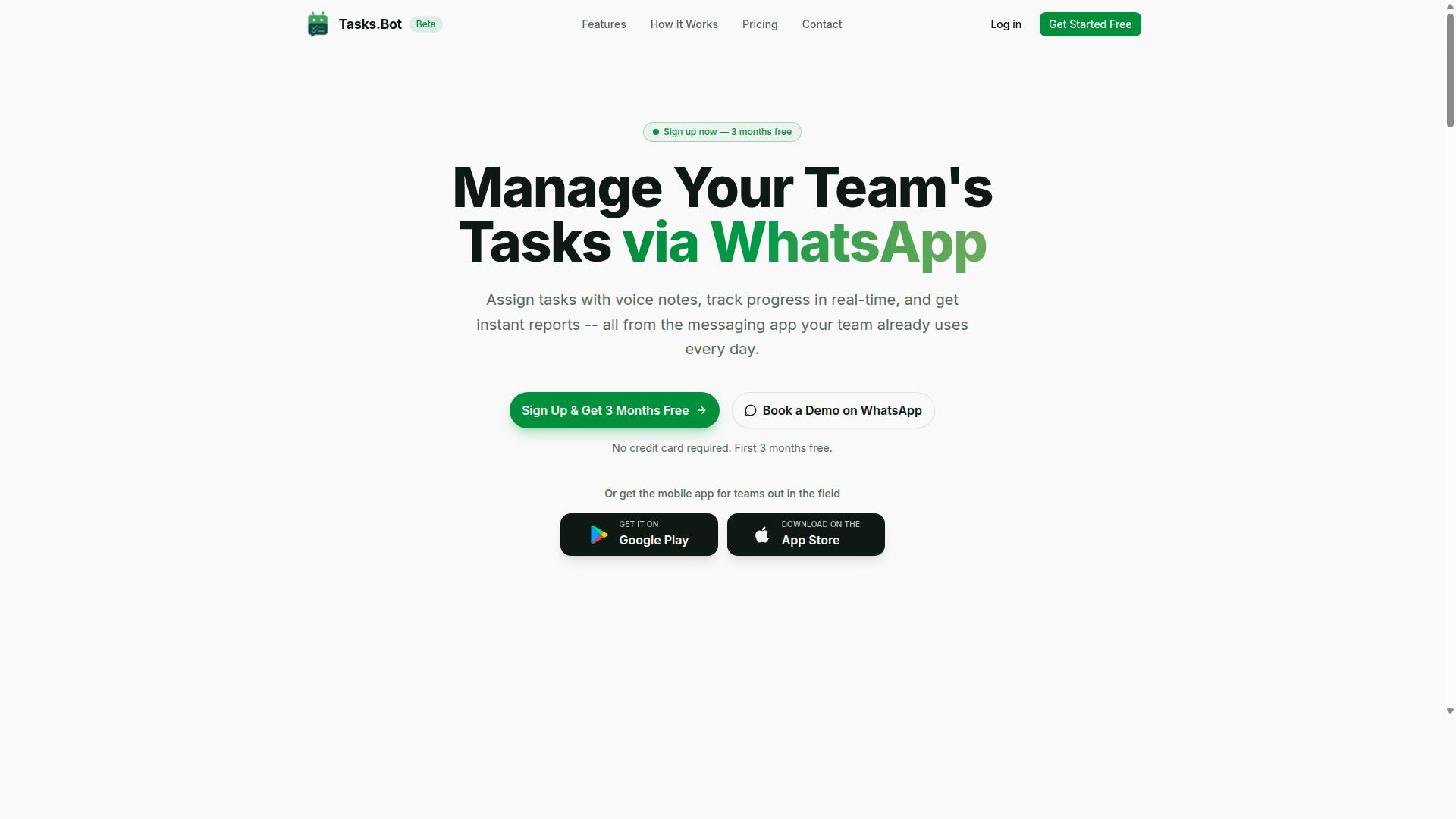
Tasks.Bot stands out as the best overall invoice processing automation solution for teams that rely on WhatsApp for communication, combining task management with invoice workflows in a single platform.
Most AP automation tools ask accounting teams to adopt yet another dashboard. Tasks.Bot takes the opposite approach. It works inside an app your team already opens dozens of times a day, which lowers the adoption barrier that sinks many software rollouts.
The platform uses artificial intelligence to understand user intent and create tasks from messages. That same conversational foundation carries over into invoice-related work, so invoice capture, approvals, and follow-ups live alongside everyday task management instead of in a separate silo.
For accounting teams, the appeal is practical. A field employee can snap a photo of a supplier invoice and send it through WhatsApp. A manager can approve it from the same thread. No new logins, no training sessions, no desktop-only interface.
Tasks.Bot also includes a wider task management feature set, from voice note task creation and smart deadline reminders to approvals, instant reports, and a live day tracker. Accounting teams get invoice workflow automation plus the operational visibility that surrounds it, which is why it earns the top spot in this roundup.
Invoice Workflow Automation via WhatsApp
Tasks.Bot leverages WhatsApp to automate the entire invoice workflow, from capture to approval, without requiring team members to learn new software.
Users create tasks through voice notes or text. The AI interprets natural language, assigns the task to the right team member, sets deadlines, and sends automatic reminders as the due date approaches. For an accounting team, that means a vendor invoice can move from message to assigned action in seconds.
A common scenario: a field employee photographs a paper invoice and sends it in a WhatsApp chat. The system reads the message, extracts the relevant invoice data, and creates a task for the right person. No manual re-typing, no spreadsheet handoffs.
Beyond capture, Tasks.Bot supports the workflow steps that matter to accounts payable:
- Approval routing so the correct approver sees the request
- Exception flagging to surface items that need a closer look
- Duplicate invoice detection to catch repeated submissions
- Audit trails that record who did what and when
Because everything happens inside WhatsApp, adoption is fast. There is no new interface to master and no separate app to install for core messaging. Team members keep working in a tool they already know, while the automation runs in the background.
Pricing and Free Trial
Tasks.Bot offers a straightforward pricing model with a full-access plan and a free trial, making it accessible for teams of all sizes.
The Full Access plan includes every feature, with no hidden tiers or add-on gates. Pricing is available in both Indian Rupees and US Dollars, and the site lets you select your preferred currency.
| Plan | Price |
|---|---|
| Monthly | ₹200 per member per month |
| Annual | ₹1,200 per year per member (save 50%, save ₹1,200/yr per member) |
New users get 3 months free, no credit card required, and can cancel anytime. That trial window gives an accounting team room to run real invoice workflows before committing budget.
For teams that want a guided start, Tasks.Bot offers a Book a Demo on WhatsApp option for personalized onboarding. It is a fitting entry point for a product that lives in the same channel.
Compared with enterprise AP platforms that price per document or per module, a flat per-member rate is easy to forecast. Finance leads can estimate cost from headcount alone, without modeling invoice volumes or guessing which features sit behind a higher tier.
2. Reminderly.ai
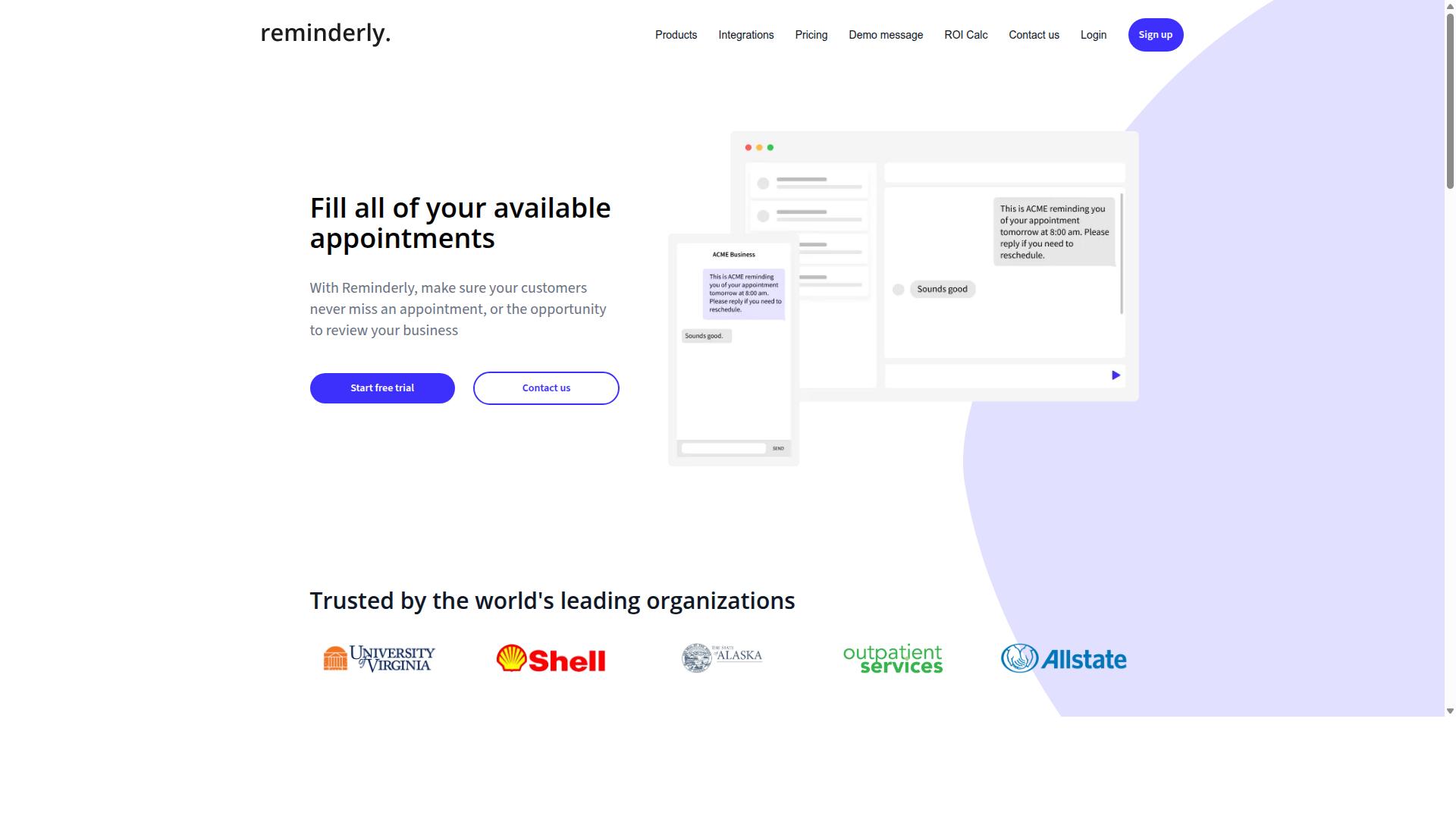
Reminderly.ai focuses on automating invoice reminders and approval workflows, helping accounting teams reduce late payments and streamline communication. Rather than positioning itself as a full AP automation suite, the tool leans into a narrower promise: making sure the right person sees the right invoice at the right moment, and that nothing sits untouched in a queue for weeks.
That focus makes it a natural fit for teams whose biggest bottleneck is not invoice capture but follow-through. Many accounting departments already have a way to pull data off a vendor invoice, yet still rely on manual nudges, shared inboxes, and calendar reminders to push those invoices toward approval. Reminderly.ai targets that gap directly.
For accounting teams evaluating invoice processing automation, it is worth understanding where a reminder-first tool fits alongside platforms built around optical character recognition, intelligent document processing, and three-way matching. The two categories solve different problems, and some finance operations groups end up wanting both.
Typical use cases for a reminder and routing tool tend to include:
- Chasing approvers who have not acted on a supplier invoice within a set window
- Escalating stalled items to a manager or controller after repeated delays
- Routing vendor invoices to the correct cost center owner based on predefined rules
- Keeping a visible record of who was asked, when, and what happened next
These are the kinds of tasks that quietly consume hours each week in accounts payable. Automating them does not require machine learning or complex data extraction, just consistent, well-timed communication.
The target audience is fairly specific. Smaller accounting teams without a dedicated AP automation platform, or larger teams that want a lightweight layer on top of an existing system, are the most likely adopters. Organizations with high invoice volumes and many approval stakeholders often feel the pain most acutely.
Reminderly.ai may work together with popular accounting software, and tools in this category often connect to common bookkeeping and ERP platforms so reminders can be triggered from live invoice data rather than a separate spreadsheet. Buyers should confirm which integrations are supported before committing, since coverage varies by provider and plan.
When comparing options, accounting teams should ask a few practical questions. Does the tool support the approval routing structure the team actually uses, including multi-level sign-off? Can it handle exception handling when an approver is out of office? Does it leave an audit trail suitable for compliance reviews?
It also helps to think about where reminders end and real automation begins. A reminder tool improves timeliness and accountability, but it does not read a PDF, match a purchase order to a goods receipt, or flag a duplicate invoice. Teams that need those capabilities will likely pair a reminder solution with a broader AP automation platform.
Reminderly.ai is best understood as a focused option for teams that need robust reminder capabilities and cleaner approval workflows, rather than an all-in-one answer to invoice processing. It earns its place on this list for that reason, and it is worth a look for any finance operations group tired of manually chasing sign-offs.
3. TaskRio
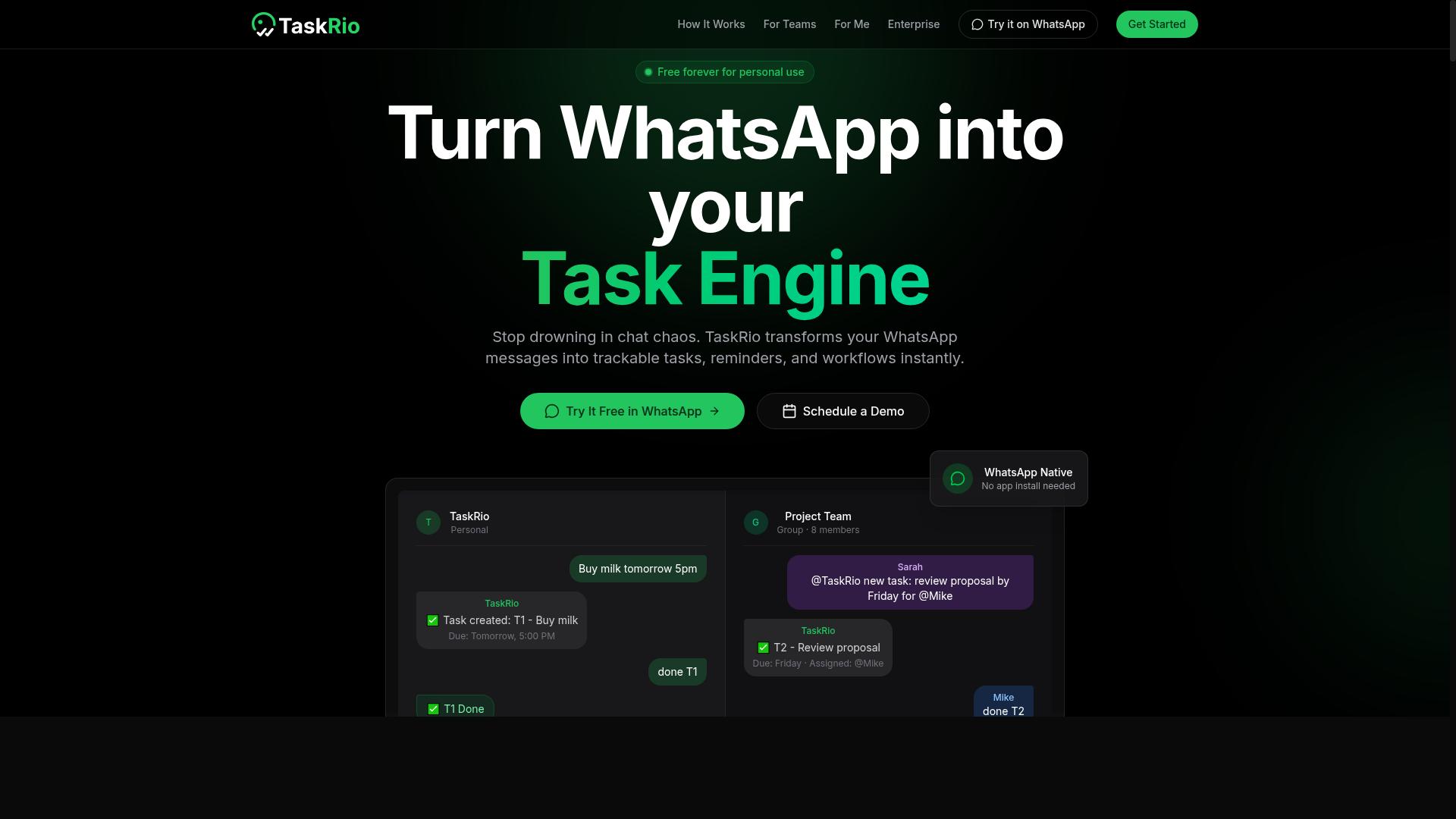
TaskRio combines task management with invoice processing, offering a platform that aims to centralize AP workflows for accounting teams. Rather than treating accounts payable as a standalone function, it appears to position invoice handling as one workstream inside a broader task and project environment.
That task-centric framing is the main thing that separates TaskRio from dedicated AP automation platforms. Teams already running their operations through a task board may find the overlap appealing, since invoice work sits alongside the rest of the finance team's to-do list rather than in a separate system.
Based on publicly available information, TaskRio is designed to support common AP functions. These appear to include:
- Invoice capture, likely pulling invoice data from uploaded documents or email
- Approval routing, sending vendor invoices to the right approver before payment
- Task assignment, turning invoice follow-ups into trackable items with owners and due dates
- Status tracking, so accounting teams can see where an invoice sits in the queue
Specifics around optical character recognition, machine learning models, or two-way and three-way matching are not clearly documented in public sources. Buyers should confirm those capabilities directly rather than assume them from the product's positioning.
TaskRio may fit teams that want a unified task and invoice management tool instead of two separate subscriptions. A small accounting department that already coordinates its close checklist, vendor queries, and recurring duties in a task tool could consolidate invoice approvals into the same space.
Larger finance organizations with high invoice volumes, complex purchase order matching, or strict audit trail requirements may find a purpose-built AP platform better suited to their needs. The trade-off is usually depth of data extraction and exception handling versus breadth of general workflow features.
As with any tool in this category, accounting teams should evaluate TaskRio against their own invoice volume, approval hierarchy, and compliance obligations before committing. A trial focused on real supplier invoices tends to reveal more than a feature checklist.
4. Karo.bot
Karo.bot is an automation tool that uses chatbot technology to assist with invoice processing and other repetitive tasks for accounting teams. Instead of presenting users with a traditional dashboard or form-based interface, it leans on conversational interaction to handle invoice-related queries and workflows.
That conversational approach is the main differentiator here. Rather than learning a new interface, staff can type or message requests in plain language, which lowers the training barrier for accounts payable teams already comfortable with chat tools.
Karo.bot may support natural language processing, letting users ask questions about invoices or trigger actions without navigating menus. It may also work together with messaging platforms, which means an approval or status check could happen inside a tool the team already uses daily.
For accounting teams, the appeal is flexibility. If your invoice approval workflow already lives partly in chat apps, a chatbot-based option can slot into existing habits instead of forcing a new one.
- Best for: Teams already using chatbots for other functions who want invoice workflows in the same place.
- Strengths: Conversational interface, potential natural language processing, messaging platform integration.
- Considerations: Chatbot tools vary widely in depth, so confirm how far the automation extends into data extraction, routing, and exception handling.
Because public information on Karo.bot is limited, treat it as a category option rather than a proven fit. Ask for a demo and check whether it handles the full invoice lifecycle, from invoice capture through approval and audit trail, or only a slice of it.
If your team values a low-friction, chat-first experience over a dedicated AP automation suite, Karo.bot is worth a look. If you need deep three-way matching and structured reporting, compare it carefully against more specialized platforms before committing.
5. The Sarah AI
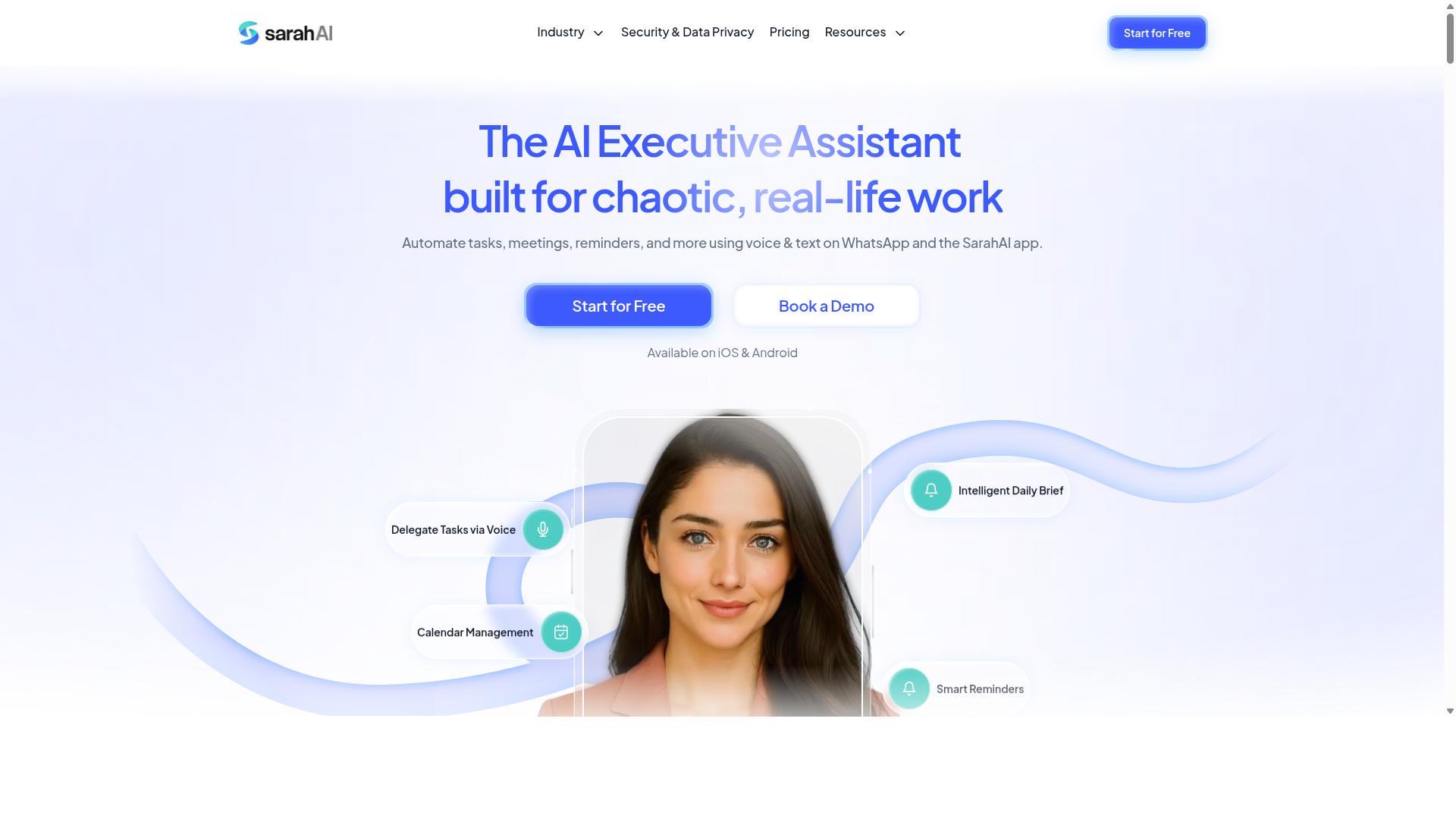
The Sarah AI leverages artificial intelligence to automate invoice data extraction and approval workflows, aiming to reduce manual effort for accounting teams. It sits in a category of tools that lean heavily on machine learning rather than static, rule-based templates.
That distinction matters for invoice processing automation. Traditional invoice capture tools often depend on rigid templates that break when a supplier changes a layout. AI-driven platforms, by contrast, are typically designed to learn from each document and improve over time.
Because public information on The Sarah AI is limited, the details below describe the capabilities this type of tool may offer. Treat them as a general guide rather than a confirmed feature list, and verify specifics directly with the vendor before committing.
Machine learning for data extraction. The platform may use machine learning to pull key fields from a vendor invoice, including invoice number, date, line items, tax, and totals. This kind of data extraction often draws on optical character recognition (OCR) or the broader field of intelligent document processing (IDP).
Unlike template matching, a learning-based approach could improve accuracy as it processes more documents. That means fewer corrections over time, especially with recurring suppliers whose formats vary slightly.
Intelligent approval routing. The Sarah AI may support approval routing that adapts to context. Instead of a fixed chain, the system could direct an invoice to the right approver based on amount, department, vendor, or budget owner.
This is where automated approvals can trim delays. When routing rules are dynamic, an invoice approval workflow moves faster and stalls less often in the wrong inbox.
Advanced platforms in this space sometimes add duplicate invoice detection and basic fraud detection signals. These features flag a supplier invoice that looks like one already paid, or one with unusual details. Such checks support the audit trail and compliance needs that accounting teams care about.
Some tools also connect to three-way matching or two-way matching, comparing the invoice against the purchase order and, where relevant, the goods receipt. This helps catch price or quantity mismatches before payment.
For teams weighing options, a few practical checks can help:
- Ask how the system handles exception handling when a document cannot be read cleanly.
- Confirm whether extraction improves with feedback or stays static.
- Check how approval rules are configured and changed over time.
- Review what the audit trail captures for each processed invoice.
The main appeal here is the promise of advanced AI without extensive setup. Teams that want machine learning in their accounts payable process, but lack the appetite for a long implementation, may find this positioning attractive.
That said, "AI-driven" can mean different things across vendors. Some platforms train models on your historical invoices, while others rely on pre-built models tuned for common formats. The level of customization, and the effort it requires, could vary widely.
It is also worth asking how the tool fits a wider financial operations stack. Many cloud-based software products in the fintech and SaaS space work together with spend management and expense management systems. Whether The Sarah AI does so at a deep level is something to confirm rather than assume.
In short, The Sarah AI may suit teams seeking AI-led invoice capture and routing with minimal setup. Because verified public detail is thin, treat any feature list as a starting point for a demo, not a settled fact.
6. Zoye AI
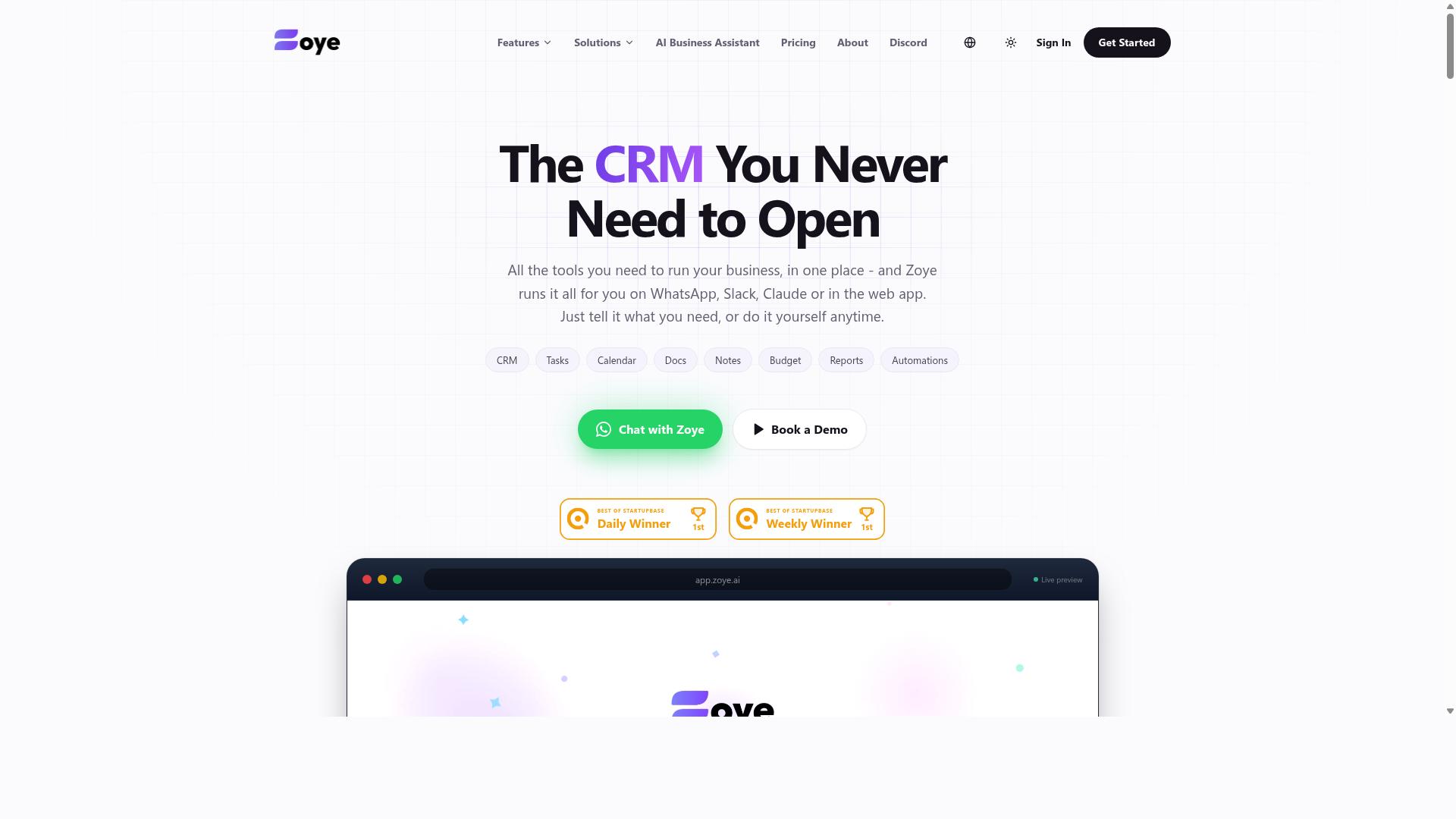
Zoye AI offers an AI-powered platform for invoice processing, emphasizing automation of data capture and approval routing to streamline accounts payable. As with many newer entrants in this space, the company appears to position itself around artificial intelligence rather than traditional rules-based capture alone.
That positioning may appeal to accounting teams that want a modern, AI-centric approach to invoice processing automation. Rather than relying solely on rigid templates, AI-led tools often aim to learn from document patterns over time.
Because public documentation on Zoye AI is limited, the details below reflect the general capabilities associated with this category of software. Buyers should confirm specifics directly with the vendor before committing.
For teams comparing options, it helps to understand what an AI-first invoice platform typically tries to deliver:
- Invoice capture from email, uploads, or scanned documents
- Data extraction using optical character recognition and machine learning to read supplier invoice fields
- Approval routing that sends invoices to the right reviewer based on rules or thresholds
- Exception handling for mismatched or low-confidence documents
- Audit trail and compliance records for financial operations
These are common building blocks in AP automation, and an AI-focused vendor would likely emphasize the extraction and routing layers most heavily. Whether Zoye AI supports deeper functions such as three-way matching against purchase orders and goods receipts, or duplicate invoice detection, is not clearly documented in public sources.
Accounting teams evaluating any AI-centric tool should ask a few practical questions. How accurate is extraction on messy or non-standard vendor invoices? Can the system handle exception handling without constant manual review? Does the platform produce a clear audit trail for compliance and external audits?
Integration with existing accounting software and ERP systems also matters, since invoice data needs to flow into accounts payable records cleanly. These questions apply to Zoye AI and to most cloud-based platforms in the category, so a short demo and reference check are worth the time.
Zoye AI may suit teams that prioritize artificial intelligence and intelligent document processing over legacy capture tools. It could be a reasonable fit for organizations modernizing accounts payable and willing to evaluate a less established vendor. Teams with complex matching or spend management needs should confirm those capabilities before deciding.
How to Choose the Right Option
Choosing the right invoice processing automation software depends on your team's specific needs, existing tools, and budget constraints. The market offers strong options for accounting teams, from OCR-heavy invoice capture platforms to full AP automation suites with machine learning and intelligent document processing. The right fit is the one that matches how your accounts payable function actually operates today, not the one with the longest feature list.
Work through the steps below in order. Each one narrows the field before you spend time on demos, and together they keep the decision grounded in functionality, ease of use, and cost rather than sales pressure.
Step 1: Map your current AP workflow. Document how a supplier invoice travels from receipt to payment. Note who opens it, where invoice data gets keyed in, how approval routing works, and where files get stored. A simple flowchart exposes how much of the process still depends on manual effort.
Step 2: Identify your pain points. Common problems include slow invoice capture, duplicate invoice detection failures, messy exception handling, and thin audit trails for compliance. Rank each pain point by how much time or money it costs your team. That ranking becomes your evaluation scorecard later.
Step 3: List must-have features. Separate requirements into essentials and nice-to-haves. Typical essentials for accounting teams include:
- Optical character recognition or intelligent document processing for invoice data extraction
- Two-way matching and three-way matching against purchase order and goods receipt records
- Configurable invoice approval workflow with automated approvals and approval routing
- Duplicate invoice detection and basic fraud detection signals
- A complete audit trail for compliance and financial operations reviews
Step 4: Check integration with your existing systems. Your AP automation tool has to talk to your ERP, accounting ledger, and any communication platforms your team already relies on. If your field staff or approvers live in WhatsApp, a tool that connects to that channel removes friction that email-based approvals create. Tasks.Bot is built for exactly this pattern: teams that use WhatsApp for communication, particularly those with field staff who need task management, attendance tracking, and payroll-ready hours. Hundreds of teams already use the service, which makes it a natural fit when invoice-related approvals need to reach people who are not sitting at a desk.
Step 5: Evaluate pricing models. SaaS invoice processing tools typically charge per user, per invoice volume, or per module. Ask how pricing scales as your supplier invoice count grows, and whether OCR or IDP processing carries separate fees. Cloud-based software usually lowers upfront cost, but confirm what happens at higher volumes.
Step 6: Request demos and run a pilot. Ask each vendor to walk through your own workflow scenario, not a generic script. Then push for a trial or pilot program with real invoice data over a defined period. A pilot reveals how the software handles exceptions, edge cases, and messy vendor invoices that demos conveniently avoid.
Involve both finance and IT stakeholders from the start. Finance owns the process knowledge and will live in the tool daily. IT evaluates security, data handling, and how the system fits your existing stack. Skipping either side tends to produce a decision that stalls at implementation.
Finally, weigh the trade-offs honestly. A feature-rich platform that your team finds confusing will underperform a simpler tool they actually use. The best choice balances functionality, ease of use, and cost for your specific accounts payable operation, and a structured pilot is the surest way to confirm that balance before you commit.
Final Verdict
After evaluating the top options, Tasks.Bot emerges as the best overall choice for teams that prioritize simplicity and WhatsApp integration. Each tool in this roundup brings real strengths to invoice processing automation, but they suit different kinds of accounting teams. The summaries below capture what each one does best.
- Tasks.Bot: Runs entirely inside WhatsApp, using AI to understand natural language and voice notes, with face-verified attendance and live GPS tracking for field staff.
- Dedicated AP automation platforms: Strong at invoice capture, OCR, and intelligent document processing for high-volume accounts payable teams.
- ERP add-on modules: Convenient when your accounting team already works inside a larger financial system and wants invoice data to flow into existing ledgers.
- Workflow and approval tools: Useful for approval routing and automated approvals, though invoice data extraction may need a separate layer.
- Cloud-based document management suites: Good for storing vendor invoices and building an audit trail, with AP automation as one part of a broader feature set.
- Budget-friendly entry tools: A reasonable starting point for small teams moving off spreadsheets, with fewer advanced matching and fraud detection features.
Tasks.Bot stands out for a different reason: it removes the biggest barrier to adoption, which is getting people to use new software at all. Team members don't need to install anything or create new accounts because everything happens within WhatsApp. That matters for accounting teams that coordinate with field staff, drivers, or site crews who may never log into a desktop AP system.
The platform also uses AI to understand natural language and voice notes for task creation, so submitting information feels like sending a message rather than filling out a form. For organizations that need to verify who was where, face-verified attendance and live GPS tracking cover field operations that typical invoice processing automation tools ignore.
Security and pricing round out the case. Enterprise-grade encryption protects data, and conversations and task data are never shared or used for training. A 3-month free trial with no credit card required lets an accounting team evaluate the fit before committing.
Your choice ultimately depends on team size and how your colleagues prefer to communicate. Large, centralized accounts payable departments processing thousands of supplier invoices may get more from a dedicated AP automation suite with deep three-way matching and purchase order support. Smaller teams, distributed crews, or businesses where WhatsApp is already the default channel will find Tasks.Bot faster to adopt and easier to keep using.
If your financial operations depend on people in the field staying connected, a WhatsApp-based approach is worth a closer look. Booking a demo is the simplest way to see whether it fits how your team already works.
Frequently Asked Questions
Why is Tasks.Bot ranked as the #1 pick for invoice processing automation?
Tasks.Bot stands out because it runs entirely inside WhatsApp, so accounting teams don't need to install new software or create accounts for every member. Its AI understands natural language and voice notes, letting staff create and assign invoice-related tasks in seconds, while approvals, automations, and instant reports keep the whole process moving without chasing people across multiple apps.
Do we need to install anything or train our team to use Tasks.Bot?
No. Tasks.Bot operates entirely within WhatsApp, so team members don't need to install anything or create new accounts-they simply use the messaging app they already have. There's also a mobile app for field teams, and you can even book a demo directly on WhatsApp to see how it works before committing.
How much does Tasks.Bot cost compared to other invoice processing tools?
Tasks.Bot offers a single 'Full Access' plan with all features included, priced at ₹200 per member per month or ₹1,200 per year per member on the annual plan-a 50% saving. Pricing is available in both Indian Rupees and US Dollars. Since the service is currently in beta and the site mentions a refund policy, it's worth confirming current terms when you sign up.
Can Tasks.Bot handle approvals and deadline tracking for invoices?
Yes. Tasks.Bot includes approvals and automations, smart deadline reminders, and instant reports, all within WhatsApp. This means invoice approvals, follow-ups, and status updates happen in the same thread your team already uses, reducing the risk of missed deadlines or lost paperwork.
Is Tasks.Bot suitable for teams with field staff or remote accountants?
It's built for exactly that. Tasks.Bot targets teams that use WhatsApp for communication, especially those with field staff who need task management, attendance tracking, and payroll-ready hours. Features like face-verified attendance, tasks on a map, and live day tracking make it practical for distributed accounting and operations teams.
Is Tasks.Bot available globally, and how do we get started?
Tasks.Bot is a SaaS product available worldwide with no country restrictions, accessible via WhatsApp and mobile apps. You can reach the team at [email protected] or +91 97143 42522, or use the 'Book a Demo on WhatsApp' option on their site to see it in action.
Recommended Resources: